
Online Enrollment and Registration
Sutherlin School District uses an online system to begin the enrollment and registration process for all new, returning, and re-enrolling students. Final registration steps for all students will occur in the fall.
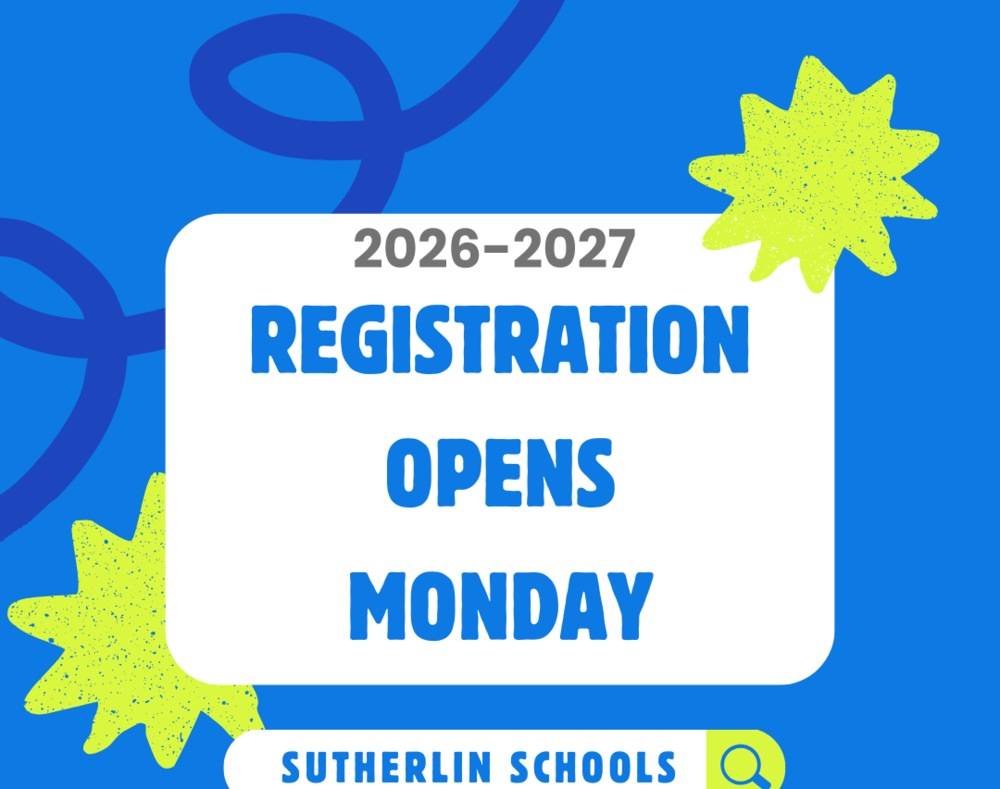
Access to the online enrollment/registration process for the new school year will open on June 1st. The process is required for traditional in-person schools and our virtual school.
Families are encouraged to access their ParentVue accounts and review their student's enrollment information.
Online enrollment/registration steps
STEP 1: ParentVue account. For all new, returning, and re-enrolling students: Create, activate or verify your ParentVue account.
If you already have a ParentVue account (or a previous student in our schools) but have never ACTIVATED your account, please contact your child’s school or the school district office to obtain your Activation Key.
Contact your child’s school or the district office for assistance if you forgot your username or password.
Parents new to the district must register for an account before enrolling their children.
New students - parents must create an account in ParentVue and then register their students.
All Inter-district transfer students must apply through the Douglas ESD and wait for district notification of approval; please direct questions to Kelly Wright at the district office. 541-459-2228
Returning and re-enrolling students - parents must log in to ParentVue and review and update all information.
STEP 2: Parent Guide for Online Enrollment.
Complete the steps in the online process.
STEP 3: Final registration. Once the online process is complete, final approval will happen at the district level. There may be additional steps that need to be completed in the fall. This may include in-person registration events and submitting required documents that were not submitted during the online process. Stay tuned for more information.
STEP 4: New Fee Collection Site: InTouch. We pay all school fees through the online platform called InTouch. Once a child has been enrolled, the school must approve the registration before fees appear in InTouch, so be prepared to come back later to pay your student fees. Your ParentVue log-in credentials will work in InTouch. You can also log in to ParentVue. On the ParentVue side bar click on "fees" then click "Pay Fees".
Step 5: Currently, our district qualifies for free breakfast and lunch for ALL students, regardless of income. We need families to fill out this income survey to maintain this status.